DIGITAL FAB LAB
IN THIS LESSON
FILAMENT (FDM) PRINTER GUIDELINES
Printing ABS plastic creates toxic fumes. Only use ABS if approved by staff
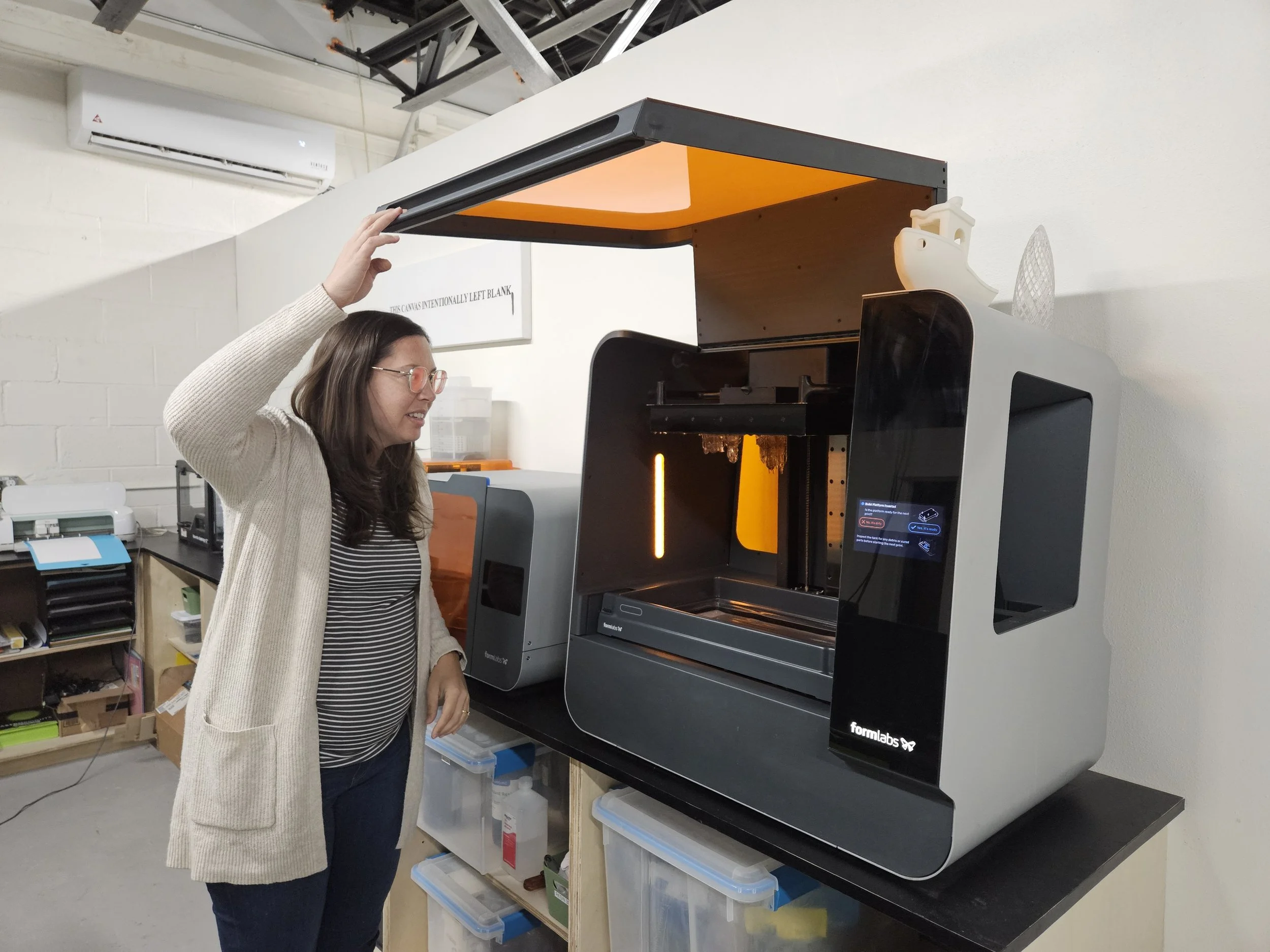
Verify door and top cover are closed before printing (for fumes, noise, and for best print results)
Calibrate bed if prints are failing
Do not touch extruder while operating
Verify filament is loaded correctly
Remove any filament scraps prior to printing. Scraps may clog up the wheels of the machine
Remove any filament scraps or other debris, unload filament, and turn off machine when finished
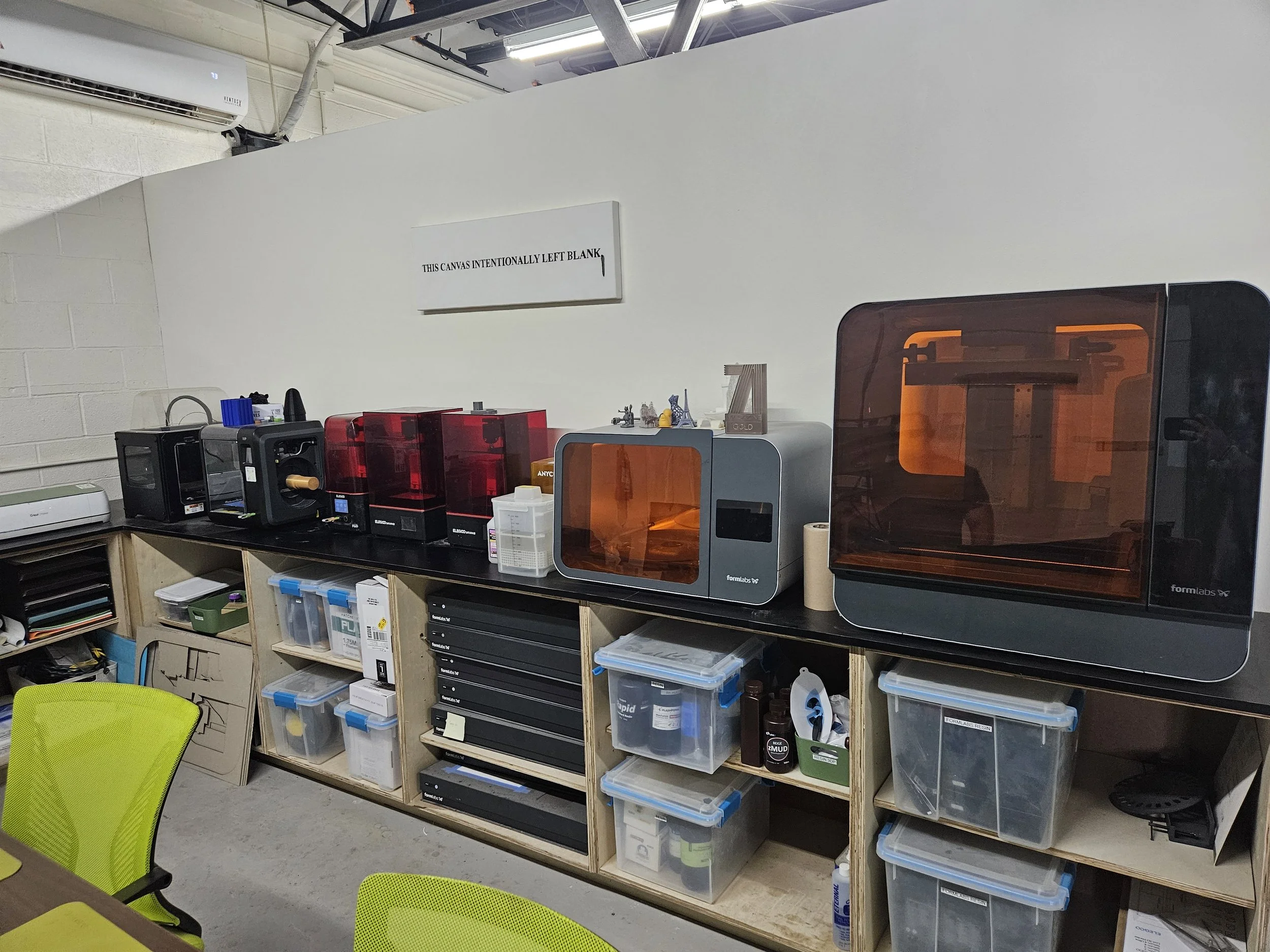
RESIN PRINTER GUIDELINES
Always wear nitrile gloves when handling resin
Immediately wash off resin that has come in contact with skin
Immediately wipe up any resin spills with a paper towel and isopropyl alcohol
Carefully pour the resin into the resin tank avoiding spills or overfilling
Double-check print settings before sending to printer (exposure, layer height, support, etc.)
Use plastic scraper to scrape anything off of the tray bottom or to remove your prints
Rinse and cure your print following your resin’s instructions
Return leftover resin to container using a paper funnel sieve. Do not leave resin in the tray. Clean up any spilt resin on the machine, counters, or elsewhere. place cover back on, and turn off machine when done