

DIGITAL FAB LAB
LASER CUTTER MATERIALS
Acceptable materials: Acrylic, non-tempered glass (verify with staff), wood, MDF, non-chlorine rubber, anodized aluminum, uncoated leather, suede, cork, natural fabrics, cardboard, paper. Ask if you are unsure
UN-acceptable materials: Leather and artificial leather containing chromium or plastics, carbon fibers, PVC, PVB, PTFE/Teflon, epoxy, resins, lead, nickel, halogens, highly flammable materials, polycarbonate/lexan, ABS, HDPE, polypropylene, fiberglass, styrofoam, polyester, tempered glass, food items, foam core, vinyl, glued materials. Ask if you are unsure
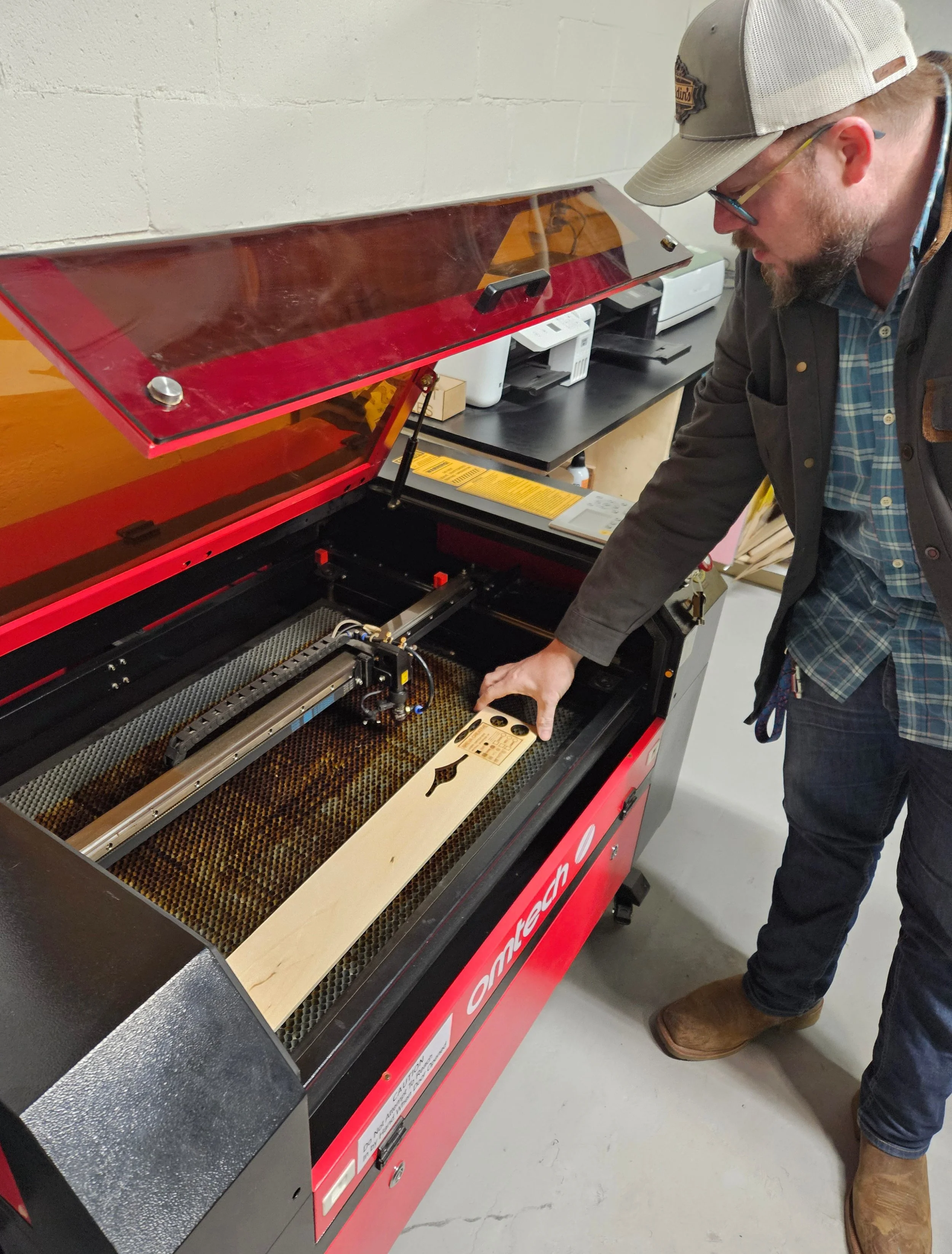
USE & SAFETY CHECKLIST
Do not operate with cover open
Do not leave laser unattended when in use. Be on the lookout for fires. Use Emergency Stop Button immediately if you see a flame
Open vent before turning on laser
Learn the location of the emergency stop button (large red button, top right)
NEVER turn off the chiller buttons
Never set power above 70% in Lightburn
Verify material will not be moved or blown away by exhaust. Use small magnets to hold down material if necessary. Place magnets where they will not come in contact with the laser head
Set Z height of laser head using plexi key
Double-check your settings before starting the cut job. Check Z-axis, location of material on x and y-axes, power, speed, and focus
Do not cut overly warped material. doing so may damage laser. If there is a small warp, place warp upwards (like a rainbow, not a smile)
If cutting clear, glass-like material, confirm it is acrylic or Plexiglass, not polycarbonate
Wait for exhaust fan to clear away smoke and fumes before opening the machine to remove your workpiece
Do not manually move laser head. Do not attempt to calibrate or adjust mirrors without assistance
Don’t cut high-risk materials that can catch fire or produce toxic fumes
Allow laser to cool down after a long or intensive job before shutting it off